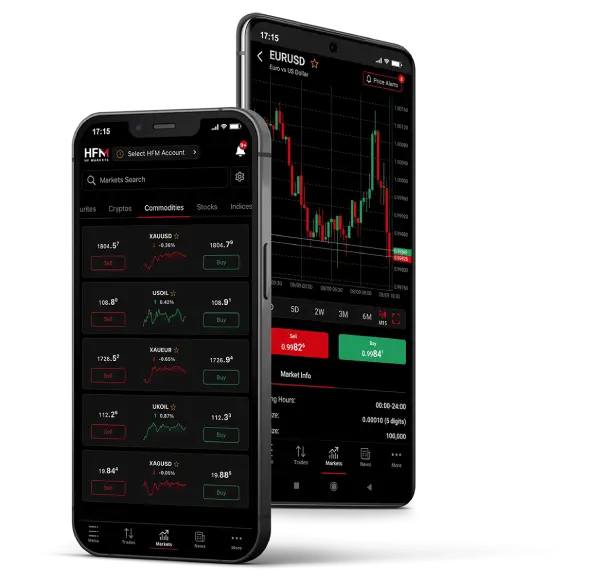
Cent account is a type of trading account that allows you to trade swap free and with cent lots. A Cent lot equals 0,01 of a Standard lot or 1,000 units. The margin requirements are as low as 10 US cents making it a beginner-friendly option for traders transitioning from trading on a Demo account to real trading.
Cent accounts are an excellent choice for novice traders who want to put their trading skills to the test and learn the dynamics of the real market - all while not investing too much of their trading funds. Experienced traders can also trade on Cent accounts to test new trading instruments and develop their strategies with less capital and reduced exposure.
Minimum deposit
Leverage
Commission
Swap free
| Trading Platform: | MetaTrader 4, MetaTrader 5, HFM WebTrader, Mobile Trading and HFM Platform |
| Spreads: | From 1.4 pip |
| Contract Size: | 1 lot = 1000 units |
| Trading Instruments | Forex, Gold |
| Maximum Leverage: | 1:2000 |
| Execution: | Market Execution |
| Minimum opening deposit: | $0 |
| Minimum trade size: | 0.01 Lot |
| Trade size increment: | 0.01 |
| Maximum Total Trade Size: | 1000 Cent Lots per position / 6000 Cent Lots account total |
| Maximum Simultaneous Open Orders: | 300 |
| Margin Call / Stop out level: | 50% / 20% |
| Telephone Trading: | |
| Account Currency: | USC |
| Personal Account Manager: | |
| Commission | No |
| Swap free * | Yes |
| Flexible Bonus Offerings | No |
* Swap-Free applies only for specific trading instruments. Terms and Conditions apply.
You can trade 50+ currency pairs, including majors, minors and exotics, and Gold.
Cent account is a type of trading account that allows you to trade with cent lots. Swap free and with no minimum deposit, 1:2000 leverage and no commissions, it is a beginner-friendly option for traders transitioning from trading on a Demo account to real trading.
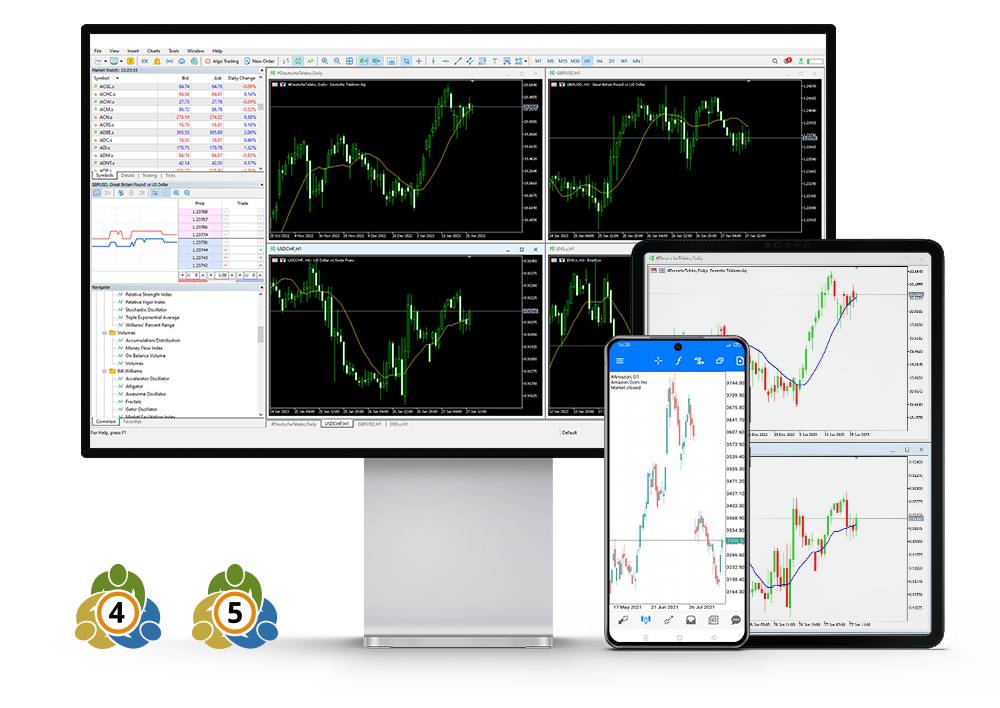
The Cent account is available on HFM WebTrader via your browser, and all our MT4 and MT5 platforms on desktop, Android and iOS, as well as the HFM Platform for on the go trading!
There is no minimum deposit for the Cent account.
Yes. In order to comply with the Islamic faith, HFM offers swap-free trading conditions on Cent account for clients who observe Sharia law.
There is no swap fee when holding overnight positions. Terms and conditions apply.
| Account | Suffix | Trading Platform | Symbol Group | Examples |
|---|---|---|---|---|
| Cent | c | MT4, MT5 | Forex Gold | EURUSDc, XAUUSDc |
To add a symbol, go to your MetaTrader 4/5 platform, click View on the top menu, then select Market Watch. After that:
Right-click anywhere inside the Market Watch window.
Select Symbols.
Search for the instruments with your account suffix.
Select the symbol you want to add, then click Show Symbol.
To remove a symbol, make sure the chart window of that symbol is closed. Then:
Right-click on the symbol in your Market Watch.
Select Hide to remove it.
You can easily view your trading history via your Client area.
Log in to your account
Click on the gear icon next to the trading account you wish to view the history of
Choose Performance for full history
Scroll down to view your Trading Activity
Click on the Export button to download the report
Choose Trades to view the history of a specific period (up to 3 months)
Select the required Period and click on View
Click on the Export button to download the report